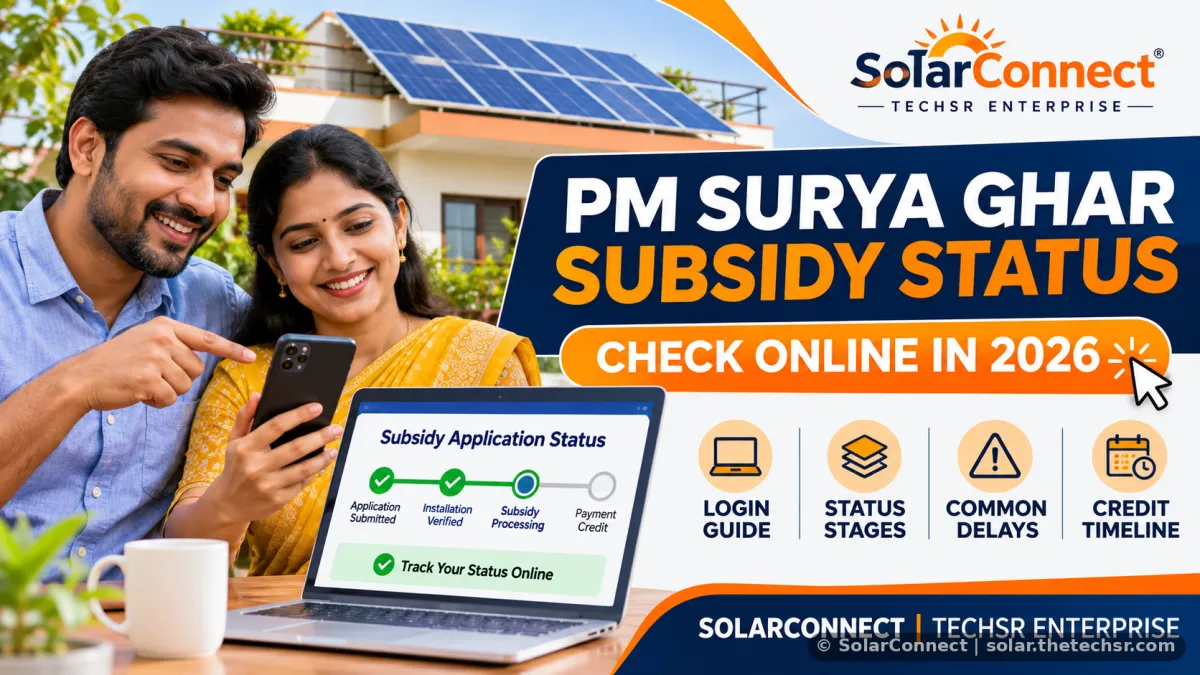
PM Surya Ghar Subsidy Status
Check your PM Surya Ghar subsidy status online in 2026. Step-by-step login guide, stage meanings, common stuck reasons, and how long the subsidy takes to credit.
How to Check PM Surya Ghar Subsidy Status Online in 2026
If you have applied for rooftop solar under the PM Surya Ghar: Muft Bijli Yojana, the fastest way to track progress is the official consumer portal. Many people search for “solar subsidy status check”, “pm solar subsidy status check” or “surya ghar subsidy status check” because the money only arrives after a few clear stages finish.
Official Way to Check Your Solar Subsidy Status
Use only the government portal. Do not share OTP or bank details with anyone else.
- Go to the official National Portal for Rooftop Solar (pmsuryaghar.gov.in) and choose Consumer Login.
- Enter the mobile number you used during registration.
- Complete the captcha and request OTP.
- Enter the OTP and open your application dashboard.
- Note the current stage and any remarks. Take a screenshot with the date.
You can also use the official “PM – SURYA GHAR” app (published by MeitY) or call the national helpline 15555 with your application number ready.
What the Main Stages Mean
The portal shows a clear journey. Here is what usually matters after installation:
- Application Submitted / Feasibility Approved – Your DISCOM has accepted the connection capacity.
- Vendor Selected & Installation Completed – Your registered vendor has installed the system and updated details.
- Inspection & Net Meter – DISCOM inspects the plant and installs the bidirectional meter. This is often the longest step.
- Subsidy Redeemed – You (or the vendor) must click the redeem option and confirm matching bank details (name on bill + cancelled cheque).
- Subsidy Released – Money is credited to your bank account. Typical time after successful redemption and DISCOM upload is 15–45 days.
Common Reasons Status Shows “Stuck” or “Pending”
- Name on electricity bill does not exactly match the bank account name.
- Bank details or IFSC entered incorrectly.
- DISCOM inspection not yet scheduled or net meter not installed.
- Redemption step not completed after commissioning.
- Low confidence score on documents (upload signed undertaking + name proof if asked).
If a stage has not moved for several weeks, raise a grievance on the same portal or contact your DISCOM division with the application number and installation date.
Central Subsidy Amounts (Residential, 2026)
For eligible on-grid or hybrid residential systems the central financial assistance is:
- 1 kW → ₹30,000
- 2 kW → ₹60,000
- 3 kW and above → ₹78,000 (capped; does not increase further)
Off-grid systems do not qualify under the current MNRE rules. Always confirm latest eligibility on the official portal.
Need help understanding your stage or completing the redemption? Contact the SolarConnect team in Serampore or WhatsApp +91 92823 67700. We work with registered vendor partner Pro Power Energies for PM Surya Ghar projects.
Related: Check our rooftop solar guide or use the solar calculator on the site to size your system correctly before applying.
Source: SolarConnect India – solar.thetechsr.com
Back to Solar Blog