PM Surya Ghar Subsidy Pending or Rejected? How to Fix It
Subsidy stuck at pending or rejected on the PM Surya Ghar portal? Here are the common official reasons, the exact fix for each, 5 myths vs facts, and when to call helpline 15555.
Quick answer: Log in at pmsuryaghar.gov.in and click Track Details to read the comments from your DISCOM. Most pending or rejected subsidies come from a step that is not finished yet (feasibility, inspection, net meter or commissioning), wrong or missing bank details, Redeem Subsidy not clicked, or installation details that do not meet scheme rules such as DCR (made-in-India) modules. Fix the item using the portal's Edit request option, then raise a grievance or call the national helpline 15555 if it is still stuck.
This guide is about fixing a subsidy that is stuck or rejected. If you only want to know how tracking works and when the money arrives, read our PM Surya Ghar subsidy status and payment timeline guide. The reasons below are taken from the official PM Surya Ghar consumer manual, MNRE scheme guidelines and DISCOM process notes, not guesswork.
Pending vs Rejected: What Is the Difference?
- Pending means your file is waiting for an action. That action may be yours (bank details, Redeem Subsidy, a document), your vendor's (installation details) or your DISCOM's (feasibility, inspection, net meter).
- Rejected or returned means the DISCOM or the portal found a problem. The reason is shown in the remarks under Track Details. Many rejections can be corrected and resubmitted with an edit request.
Step 1: Find the Exact Reason on the Portal
- Log in: open pmsuryaghar.gov.in, choose Consumer Login and verify your registered mobile number with the OTP.
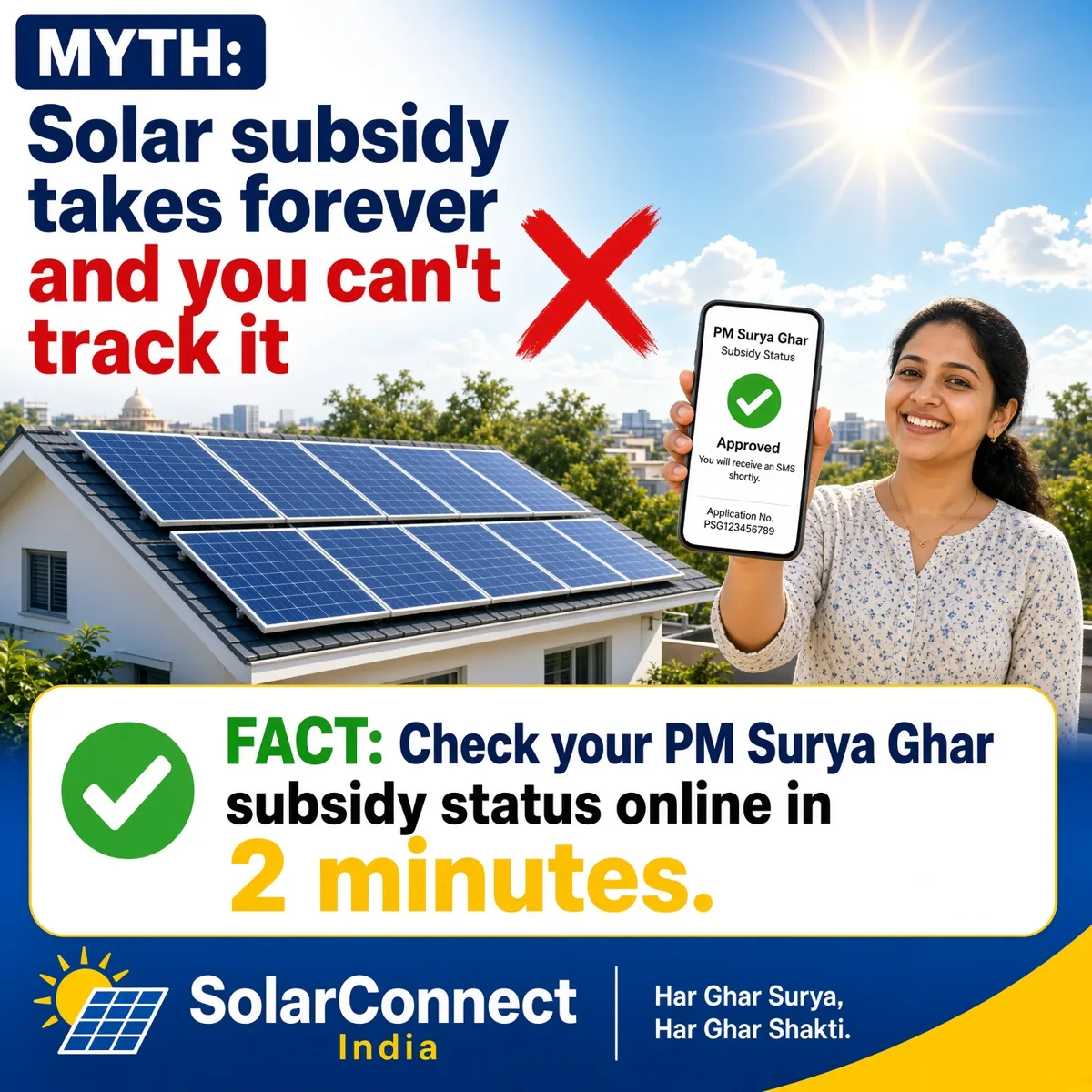
- Click Track Details: the official manual says this shows your status and any comments received from the DISCOM.
- Check your downloads: the portal generates documents as you move ahead, such as the Application Acknowledgement, Feasibility Letter, Installation Details, Project Commissioning Letter and Final E-token. The last document you can download tells you how far your file has reached.
- Note the remark word for word: you will need it for an edit request, a grievance or a call to 15555.
Common Reasons for Pending or Rejected Subsidy and How to Fix Each
| Reason | What it usually looks like | How to fix it |
|---|---|---|
| Technical feasibility not approved | No Feasibility Letter, or a DISCOM remark after site verification | Read the DISCOM remark, correct the issue (for example load or connection details) and follow up with your local DISCOM office. |
| Consumer details do not match DISCOM records | Name, address or contract load differs from your electricity bill | The manual says name, address, contract load and DISCOM hierarchy are updated from DISCOM data, so correct them with your DISCOM first, then raise an edit request. |
| Installation details incomplete or wrong | Pending after installation, inspection not scheduled | Your vendor must enter module, inverter, serial number, location and checklist details correctly. Ask them to correct it, or raise an edit request for Solar Installation. |
| Non-DCR solar modules | Rejected at inspection or claim stage | MNRE guidelines say modules must be made in India from Indian cells (DCR). Non-DCR modules make the plant ineligible for the central subsidy, so confirm DCR panels before installation. |
| Inspection, net meter or commissioning pending | No Project Commissioning Letter yet | This step is done by the DISCOM. Contact your local office and quote your application number. |
| Bank details missing or wrong | Commissioned, but no money | Submit the correct account and a cancelled cheque. If the details are wrong, raise an edit request for Bank Details. |
| Redeem Subsidy not clicked | Everything approved, but no Final E-token | Click Redeem Subsidy. The manual says the box turns blue and a success message appears once the claim is submitted. |
| Subsidy already claimed or system shifted | Claim not accepted | Under the guidelines a plant gets the subsidy only once, and a system moved to a new location is not eligible. If you added capacity, extra subsidy applies only to the balance up to 3 kW. |
The central subsidy itself stays the same: ₹30,000 per kW for the first 2 kW and ₹18,000 for the 3rd kW, up to ₹78,000 in general category states. See our state-wise solar subsidy guide for your state.
Step 2: Use Edit Request, Grievance or Helpline
- Edit request: the portal lets you raise an edit request for your Application, Bank Details or Solar Installation details. Use it for any mistake you can correct.
- Raise a query or grievance: after logging in, use the grievance / Raise a Query option and keep the tracking ID.
- National helpline 15555: the official grievance page says you can call 15555 about processes, application status or login issues.
- DISCOM office: for feasibility, inspection and net meter delays, your local DISCOM office is the one that acts.
Myth vs Fact: Pending and Rejected Subsidy
Myth 1: "Rejected means I have lost the subsidy forever"
Fact: Many rejections are about wrong details or documents. The portal has an edit request option for application, bank and installation details, so you can correct and move ahead in many cases.
Myth 2: "Pending means the government has not released money yet"
Fact: Pending often means a step is waiting on you, your vendor or your DISCOM. Track Details shows which step and any DISCOM comment.
Myth 3: "Any solar panel will get the subsidy"
Fact: MNRE guidelines require DCR modules made in India from Indian cells. Non-DCR modules make the plant ineligible for the central subsidy.
Myth 4: "Once the plant is commissioned, money comes on its own"
Fact: You still need correct bank details and must click Redeem Subsidy. Without that, the Final E-token is not generated.
Myth 5: "I must pay an agent to clear a stuck subsidy"
Fact: The process runs on the official portal, and help is free on the 15555 helpline and through the portal grievance option. Never share your portal OTP with anyone. Read more in our solar myths vs facts page.
How the SolarConnect Team Helps
For rooftop solar under PM Surya Ghar, the SolarConnect team handles the site survey and installation together with Pro Power Energies, the registered vendor on the national portal. We help you read the DISCOM remark, correct installation details with the vendor, and follow up on net metering so your file does not stay stuck at a step that can be fixed.
Talk to the SolarConnect Team
Subsidy pending or rejected? Share your remark with our team and we will explain the next step at no cost.
📞 Call the SolarConnect team: 033 3183 5203 | 💬 WhatsApp the team: +91 92823 67700 | ✉️ Contact form
Note: Scheme rules and portal screens can change. This guide is based on the official PM Surya Ghar consumer manual, MNRE guidelines and grievance portal information as of October 2026. Always confirm on pmsuryaghar.gov.in or with your DISCOM.
Frequently Asked Questions
Why is my PM Surya Ghar subsidy pending?
Usually a step is not complete: feasibility, inspection, net meter, commissioning, bank details or Redeem Subsidy. Click Track Details on the portal to see the stage and any DISCOM comment.
What should I do if my PM Surya Ghar subsidy is rejected?
Read the remark under Track Details, correct the problem through an edit request for application, bank or installation details, and raise a grievance or call 15555 if you need help.
Can I get the subsidy if non-DCR panels were installed?
No. MNRE guidelines say non-DCR modules make the installation ineligible for the central subsidy.
Subsidy pending kyu hai?
Aksar koi step baaki hota hai: DISCOM feasibility, inspection, net meter, commissioning, sahi bank details ya Redeem Subsidy. Portal par login karke Track Details mein DISCOM ka comment dekhein.
Subsidy reject ho gaya to kya kare?
Track Details mein reject ka kaaran padhein, Edit request se application, bank ya installation details theek karein, aur zaroorat ho to portal par grievance daalein ya 15555 par call karein.
Source: SolarConnect India – solar.thetechsr.com
Back to Solar Blog