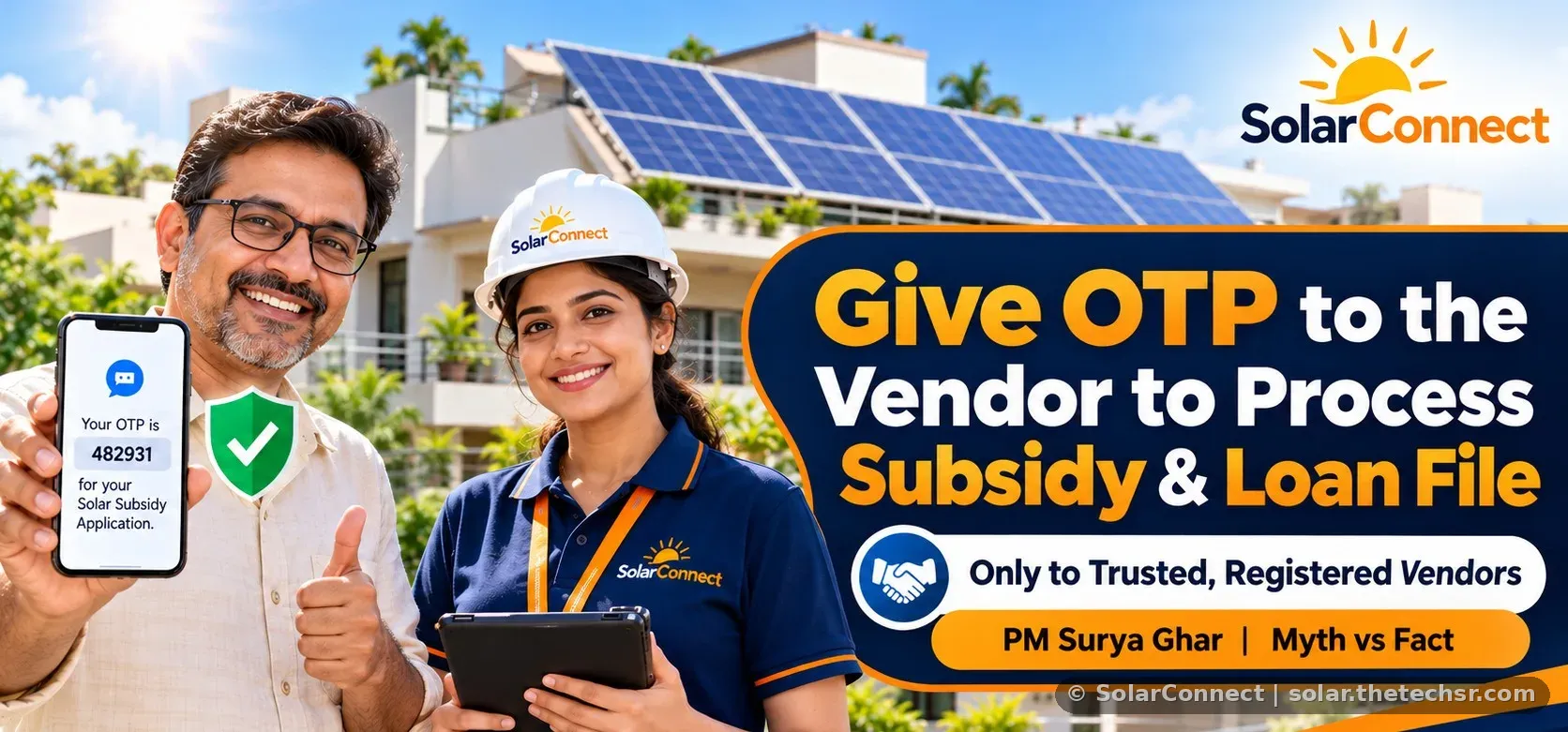
Do You Need to Share OTP with Your Solar Vendor for PM Surya Ghar Subsidy and Loan? Myths vs Facts (2026)
Yes, your registered solar vendor needs your OTP to file your PM Surya Ghar subsidy or JanSamarth loan application. See which steps need OTP, 6 myths vs facts and safety tips.
"My solar vendor is asking for the OTP. Should I give it?" This is one of the most searched PM Surya Ghar questions in India right now, along with "Is OTP required for PM Surya Ghar?" and "Is OTP needed for a solar loan?". The short answer: yes, if it is your own trusted, registered vendor filing your application. The portal sends OTPs only to your registered mobile number, so without that OTP your vendor cannot complete the registration, login or application for you. This guide explains which steps need an OTP, the myths vs facts, and a short safety section.
Quick answer: Do you need to share OTP with your solar vendor?
Under PM Surya Ghar: Muft Bijli Yojana, every consumer registration and login on the National Portal (pmsuryaghar.gov.in) is verified with an OTP sent to the consumer's registered mobile number. Most families ask their installer to fill the application for them. When your registered vendor is doing that work for you, they will ask for the OTP at that moment so they can verify and log in to your application. Sharing it for that step is normal. The key condition: share it only with your verified vendor, only for your PM Surya Ghar or loan application, and never share banking or UPI OTPs.
Which PM Surya Ghar steps need an OTP?
- Registration: select state, district and DISCOM, enter the electricity consumer number, then verify the mobile number with an OTP.
- Consumer login: log in with the registered mobile number, captcha and an OTP. This is needed each time the application is opened, for example to submit the application, choose the vendor, add bank details or redeem the subsidy. See our guide to the PM Surya Ghar official website.
- Solar loan on JanSamarth: the loan is applied on jansamarth.in by logging in with the registered mobile number or email, then entering the PM Surya Ghar application ID, DISCOM details, vendor and bank details. Read the full subsidy and loan process.
- Bank sanction and documents: the bank may use its own verification or e-sign. Do these with the bank directly.
So the same OTP your vendor asks for is the one the official portal sends to you. Keep your phone with you while the vendor is filing, so each step can be completed on time.
OTP for PM Surya Ghar subsidy and loan: 6 Myths vs Facts
Myth 1: "Never give the OTP to the vendor, even a registered one."
Fact: If your registered vendor is filing your application, they need the OTP sent to your mobile to register or log in to your application. Without it, the application cannot be filed.
Myth 2: "The vendor can file my application without my mobile number."
Fact: The application is tied to your electricity consumer number and your registered mobile number. All OTPs go to that number, so your cooperation is required at each login.
Myth 3: "One OTP is enough for the whole process."
Fact: A fresh OTP is used for registration and for each login. You may be asked again later, for example for vendor selection, bank details or subsidy redemption. Track progress with our subsidy status check guide.
Myth 4: "For the solar loan, the vendor also needs my bank OTP or UPI PIN."
Fact: The JanSamarth loan application uses your registered mobile or email login. Banking OTPs, UPI PIN, card CVV and net-banking passwords are never needed by a vendor. Compare options in our solar loan and EMI guide.
Myth 5: "The subsidy goes to the vendor's account after I share the OTP."
Fact: Subsidy is released after installation, DISCOM inspection and net metering, to the consumer's bank account submitted on the portal, or to the loan account if you took a solar loan. Check that the bank account entered is yours.
Myth 6: "Anyone who calls about PM Surya Ghar is from the scheme."
Fact: Share the OTP only with the vendor you chose and are working with. The official portal is pmsuryaghar.gov.in and the loan portal is jansamarth.in. Learn how to compare solar quotations before choosing a vendor.
Short safety section
- Share the PM Surya Ghar or JanSamarth OTP only with your verified, registered vendor, only while they are filing your application.
- Never share bank OTPs, UPI PIN, card CVV or net-banking passwords with anyone.
- Do not share any OTP with unknown callers or through links from strangers.
- Ask the vendor to show you the filled details (capacity, bank account, vendor name) before final submission.
- Subsidy needs DCR panels; see DCR vs non-DCR panels.
- If you suspect misuse, inform your bank and report on 1930 or cybercrime.gov.in.
Planning first? Read 7 things to check before installing rooftop solar, understand net metering, see the 1 kW to 3 kW subsidy guide, and bust more myths in our top 10 solar myths.
FAQs
Is OTP required for PM Surya Ghar registration?
Yes. An OTP is sent to the registered mobile number for registration, and an OTP is used for each consumer login on pmsuryaghar.gov.in.
Should I give my OTP to my solar vendor?
Yes, if it is your trusted, registered vendor filing your PM Surya Ghar or loan application. Share it only for that step.
Why does the vendor ask for OTP more than once?
Each login needs a fresh OTP, and the application has several stages such as application submission, vendor selection, bank details and subsidy redemption.
Is OTP needed for a PM Surya Ghar solar loan?
The JanSamarth loan login uses your registered mobile number or email, so an OTP may be needed when your vendor or you apply. Banks may also do their own verification directly with you.
Which OTPs should I never share?
Bank transaction OTPs, UPI PIN, card CVV and net-banking passwords. Also never share any OTP with unknown callers.
Where does the subsidy money go?
To the consumer's bank account submitted on the portal, or to the solar loan account if you financed the system.
Can I file the application myself instead?
Yes. You can register and log in yourself on pmsuryaghar.gov.in and choose a registered vendor there.
Talk to the SolarConnect team
Our team helps file your PM Surya Ghar subsidy and loan application step by step and tells you exactly when an OTP is needed. Call +91 92823 67700 or 033 3183 5203.
Source: SolarConnect India – solar.thetechsr.com
Back to Solar Blog