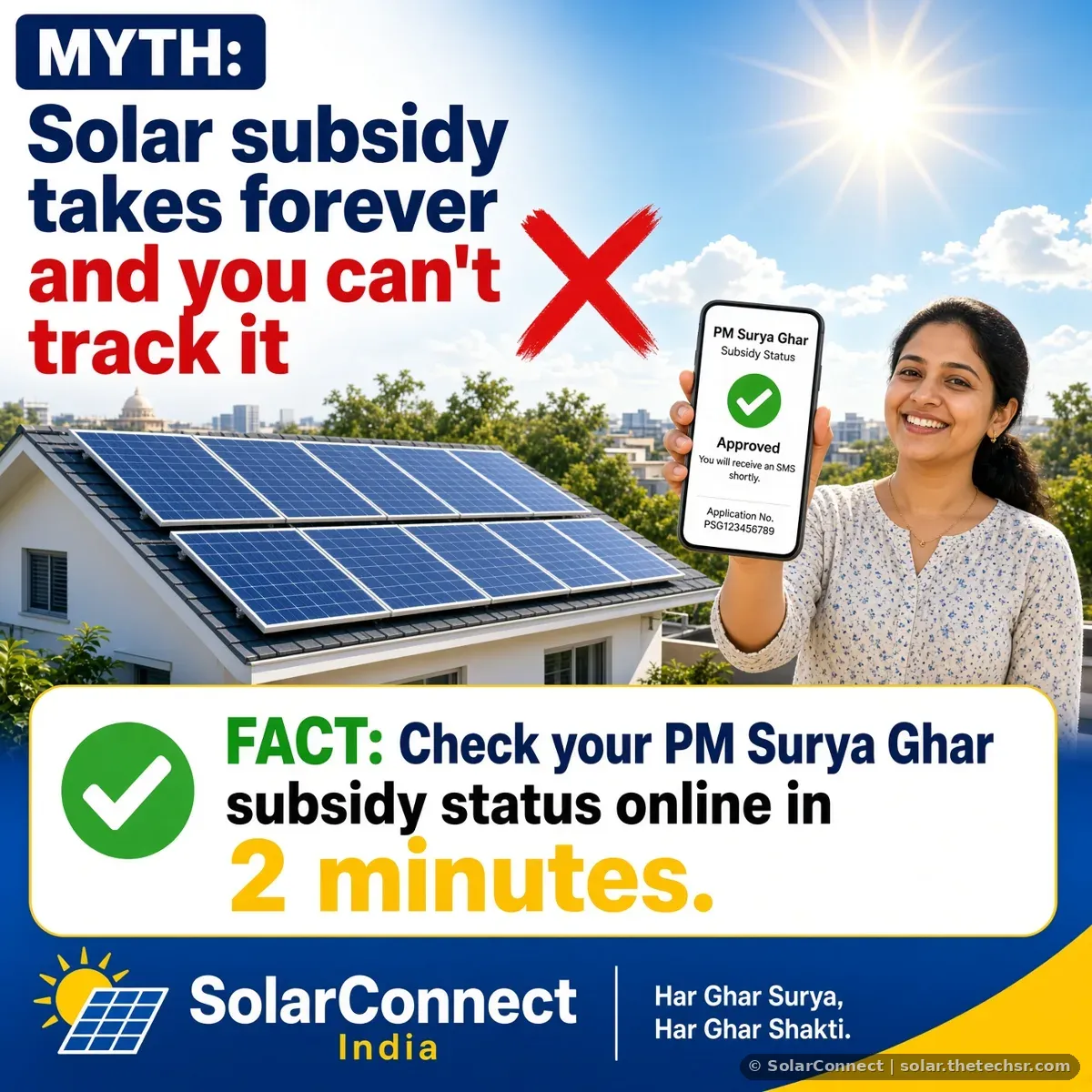
How to Redeem PM Surya Ghar Subsidy: Steps and Myths vs Facts
How to redeem your PM Surya Ghar subsidy: when the Redeem Subsidy button appears, bank details, Final E-token, and myths vs facts that delay payment.
How to Redeem PM Surya Ghar Subsidy: Steps and Myths vs Facts
Quick answer: After your DISCOM commissions the plant, log in at pmsuryaghar.gov.in, submit your bank account details with a cancelled cheque, then click Redeem Subsidy. Once you see the success message and the Final E-token, your claim is submitted for release to your bank account.
"Redeem subsidy" is the last step of PM Surya Ghar, and it is where many families get stuck without knowing it. This guide explains exactly when the button appears, what to submit and what to do after. To understand tracking and payment timing, read our PM Surya Ghar subsidy status check guide. For common myths about solar, see our Solar Myths vs Facts page.
Step-by-Step: How to Redeem the Subsidy
- Finish installation and commissioning. Your vendor uploads installation details, and the DISCOM completes inspection, net meter installation and commissioning. The portal then gives you the Project Commissioning Letter.
- Log in as consumer at pmsuryaghar.gov.in with your registered mobile number and OTP.
- Submit bank details. Enter the account holder name, account number and IFSC, and upload a cancelled cheque or passbook copy. The account should match the consumer's name.
- Click Redeem Subsidy. The manual says the box turns blue and a success message appears once the claim is submitted.
- Download the Final E-token and keep it with your other documents.
- Track payment under Track Details. If it does not move, see our guide on PM Surya Ghar subsidy pending or rejected and how to fix it.
Myth 1: The subsidy is paid automatically after installation
Fact: Commissioning alone is not enough. You must submit correct bank details and click Redeem Subsidy. Without that, the Final E-token is not generated and the claim does not move.
Myth 2: I can redeem the subsidy as soon as panels are fitted
Fact: The Redeem Subsidy step opens only after the DISCOM completes inspection, net metering and commissioning. If you cannot see it, check which document you last downloaded on the portal to know your stage.
Myth 3: Any bank account will do
Fact: Use an active account in the consumer's own name, with the correct IFSC. Wrong or mismatched details are one of the most common reasons money is held up. If you made a mistake, raise an edit request for Bank Details on the portal.
Myth 4: My vendor or agent should redeem it from their phone
Fact: The claim is made from the consumer's own login with an OTP sent to the registered mobile. Never share that OTP. Read do you need to share OTP with your solar vendor?
Myth 5: If the money is late, the subsidy is lost
Fact: A late payment usually means a pending check, not a loss. Read the DISCOM remark under Track Details, fix any issue with an edit request, and raise a grievance on the portal or call the national helpline 15555 if needed.
Documents to Keep Ready
| Document | Used for |
|---|---|
| Project Commissioning Letter | Shows the plant is approved and live |
| Bank account details and cancelled cheque | Where the subsidy is paid |
| Registered mobile number | OTP login to redeem |
| Final E-token | Proof that the claim is submitted |
For the full list of papers from the start of the process, see our solar documents checklist.
For Dealers: Help Customers Finish the Last Step
Many happy customers become unhappy only because their subsidy is waiting at the redeem step. As a SolarConnect dealer partner, remind each customer after commissioning to submit bank details and click Redeem Subsidy from their own login. Under PM Surya Ghar, installations are carried out by the SolarConnect team together with the registered vendor, Pro Power Energies.
FAQ
What does Redeem Subsidy mean on the PM Surya Ghar portal?
It is the final claim step. After commissioning and bank details, you click Redeem Subsidy so your subsidy request is sent for release.
When can I click Redeem Subsidy?
Only after your DISCOM has done inspection, net metering and commissioning, and your bank details have been submitted on the portal.
How do I know my subsidy claim was submitted?
The portal shows a success message and the Final E-token becomes available. Then track payment under Track Details.
Can someone else redeem the subsidy for me?
The claim is made from the consumer's own login. Never share your portal OTP or password with anyone.
Subsidy redeem kaise kare?
Commissioning ke baad pmsuryaghar.gov.in par login karein, bank details aur cancelled cheque submit karein, phir Redeem Subsidy par click karein.
Need Help With PM Surya Ghar?
The SolarConnect India team guides homes and dealers across India through the PM Surya Ghar process, from site survey to subsidy redeem.
📱 WhatsApp / Team: +91 92823 67700 | ☎️ Office: 033 3183 5203
Source: SolarConnect India – solar.thetechsr.com
Back to Solar Blog